 Conch
A mobile terminal
SSH for
iPhone & iPad.
Log into your home server, edit a config over SFTP, or pick up a Mosh session after switching from Wi-Fi to cellular.
TestFlight · iOS & iPadOS 17+
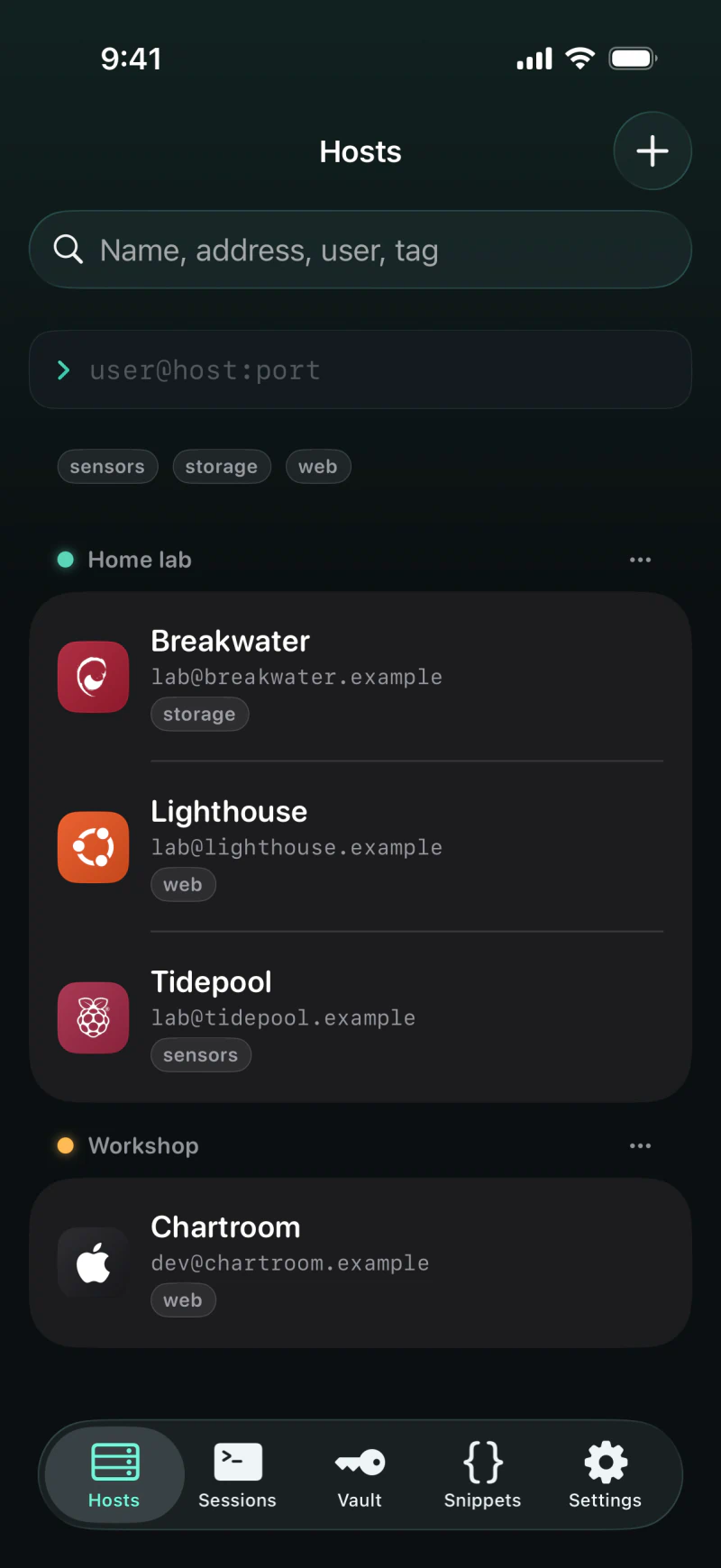
Inside Conch
Read the setup guide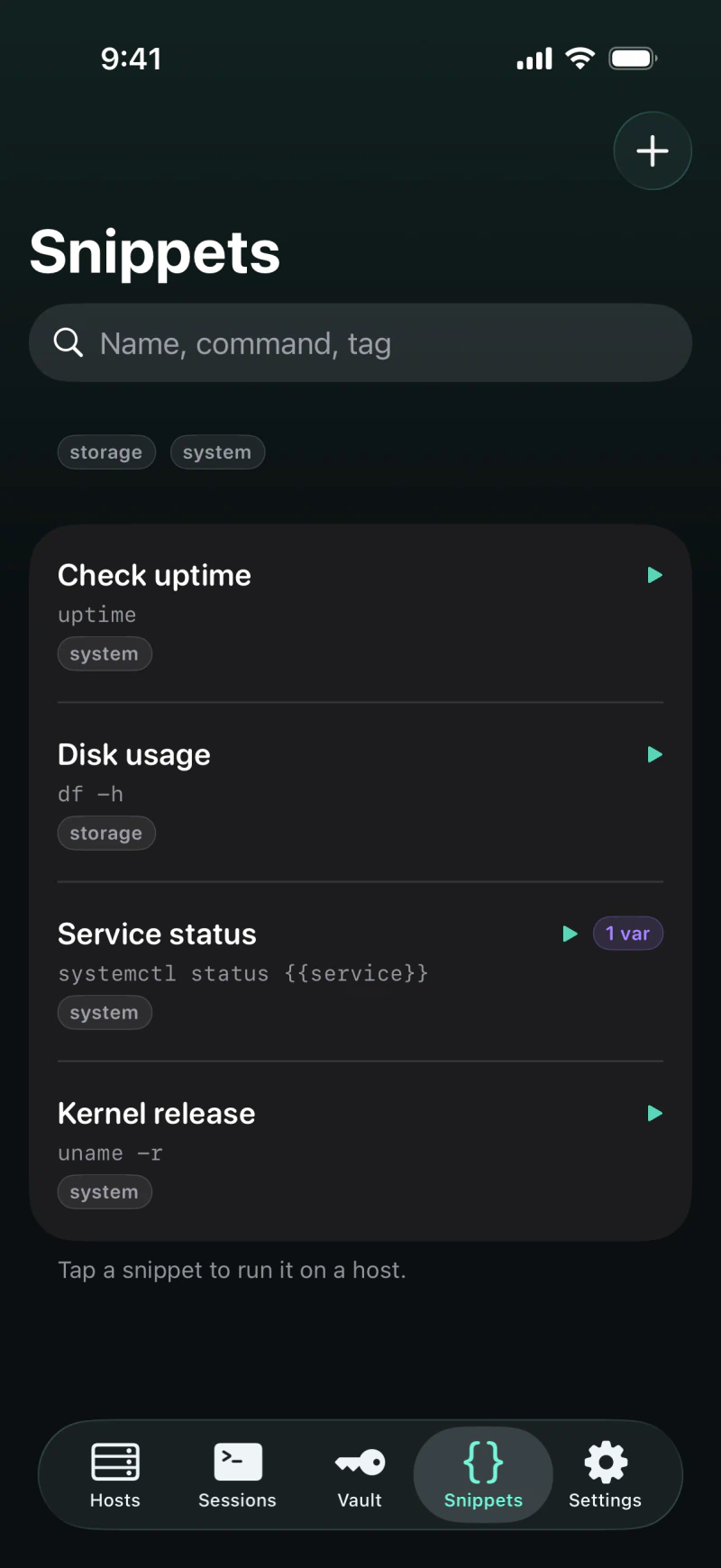
Fig. 02 Terminal snippets
Check a service by name.
Keep systemctl status {{service}} as a snippet. Choose the host and fill in the service name when you run it.
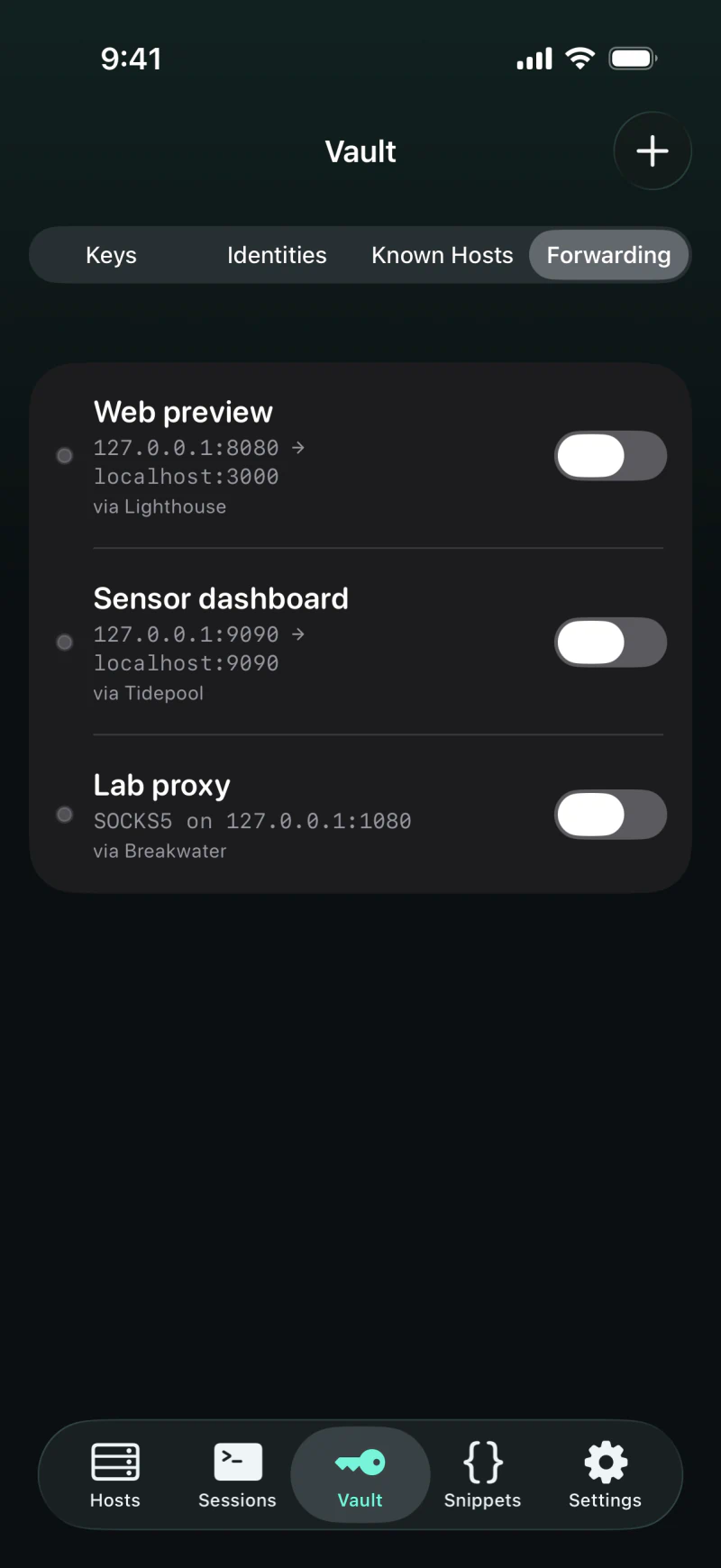
Fig. 03 Port forwarding
Open a web preview through SSH.
Switch on Web preview to reach Lighthouse’s port 3000 at 127.0.0.1:8080 on the phone. Switch it off when you’re done.
Connection notes
- At the keyboard
- Esc, Ctrl and arrow keys sit above the iOS keyboard. Hold and drag across the terminal to move the cursor a character at a time.
- Files
- Browse a host over SFTP, edit a text file in place, or send a download to Files.
- Access
- Connect directly or through a jump host. Conch remembers each host’s fingerprint and asks before trusting a different key.
- Storage
- No Conch account or cloud vault. Saved credentials go in the device Keychain. To take them to another device, export a password-protected backup. Privacy policy